How to get started with Truckers o Europe 3 as a beginner
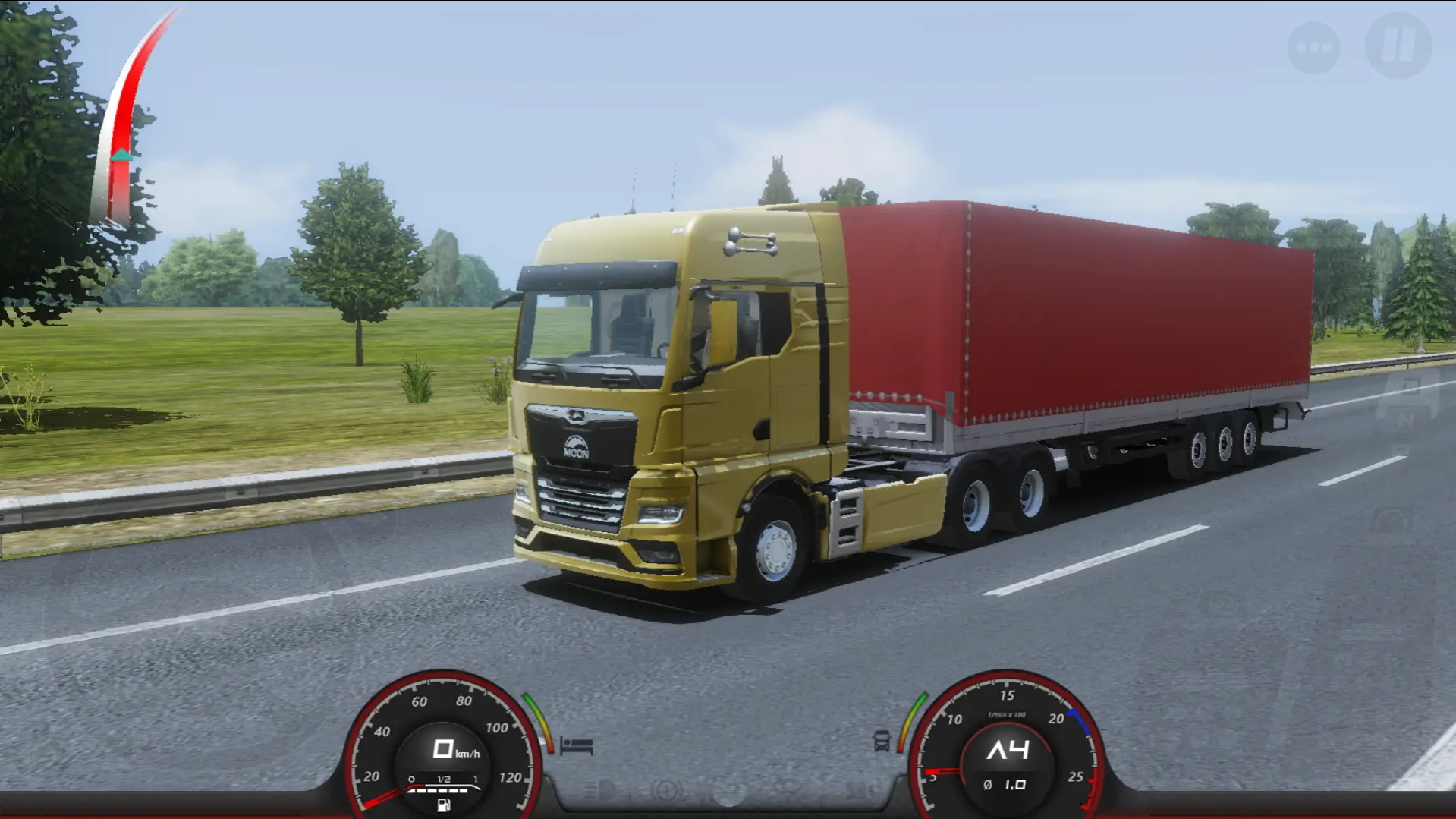
This ultimate beginner’s guide to Truckers of Europe 3 gives players one of the best, top-notch truck-driving experiences available on mobile — from high-quality graphics to modern physics and much more. If you are downloading the game for the first time, here is a Truckers of Europe 3 beginner guide that takes you through everything, from creating your account and selecting a garage to purchasing your first truck and understanding the basic controls. This Truckers of Europe 3 beginner guide will help you get started on the right path!
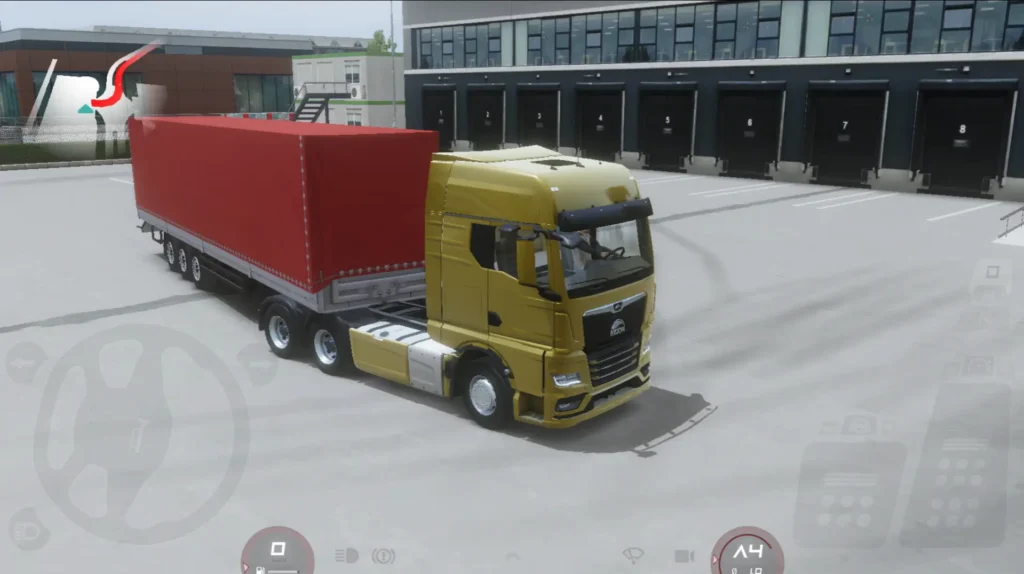
Creating Driver’s Profile
When you launch the game for the first time, you will see the driver account setup screen. Enter your name and company name, and just below these fields, you’ll find options to change your profile image and company logo. This allows you to personalize your experience and easily navigate between different accounts.
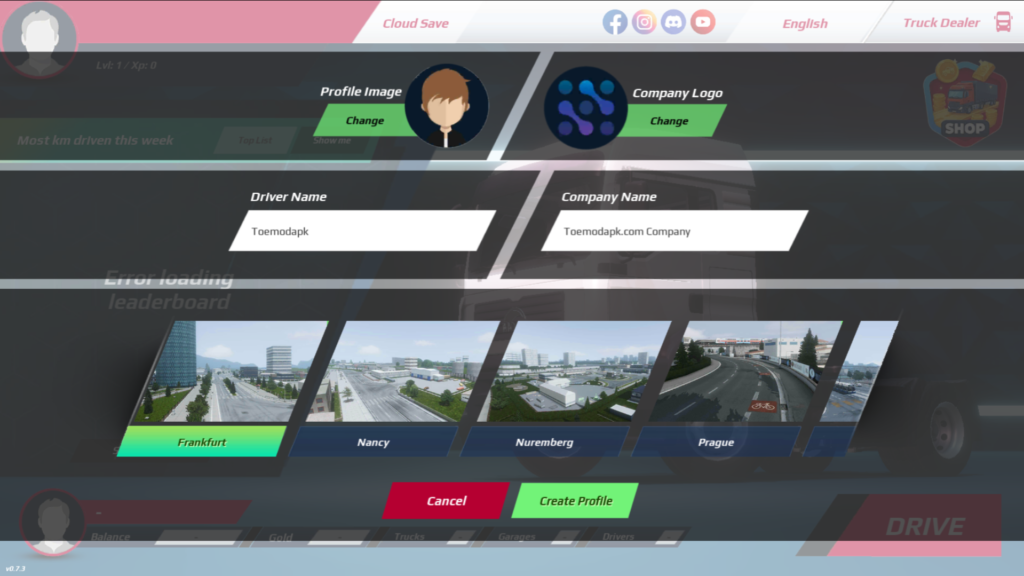
Selecting the best garage
Truckers of Europe 3 offers a total of 8 garages. All of them are beautiful and well-designed, but if you’re new and looking for the best starting point, then the Zurich Garage is the ideal choice.
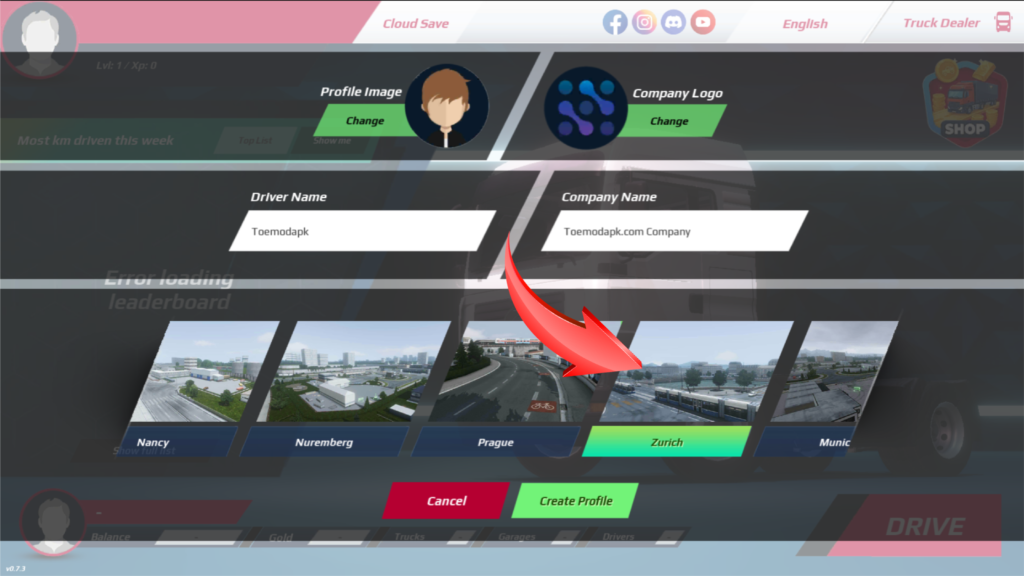
Here’s why Zurich stands out:
- You get access to multiple job types, ranging from long highway drives to challenging routes and stunning scenic areas.
- It includes routes to Tübingen, a beautiful and scenic city in Germany.
- You’ll also receive jobs for Airolo and Tremola, two of the most breathtaking locations in Switzerland.
- The popular Offroad Quarry route also originates from Zurich — a rough, rocky area perfect for adventurous players.
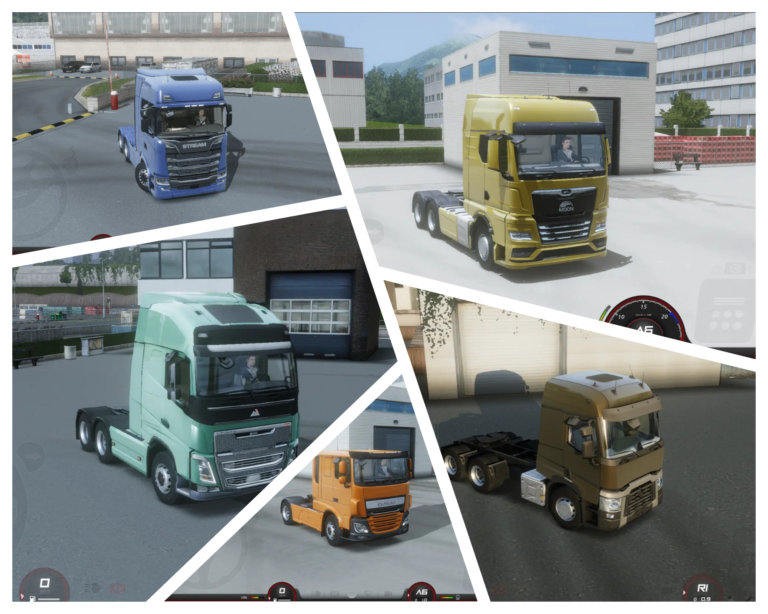
Buying your First Truck
After completing your profile, head to the main menu. You can access the truck selection screen in two ways
- By pressing the Drive button at the bottom
- By tapping the small truck icon in the top-right corner
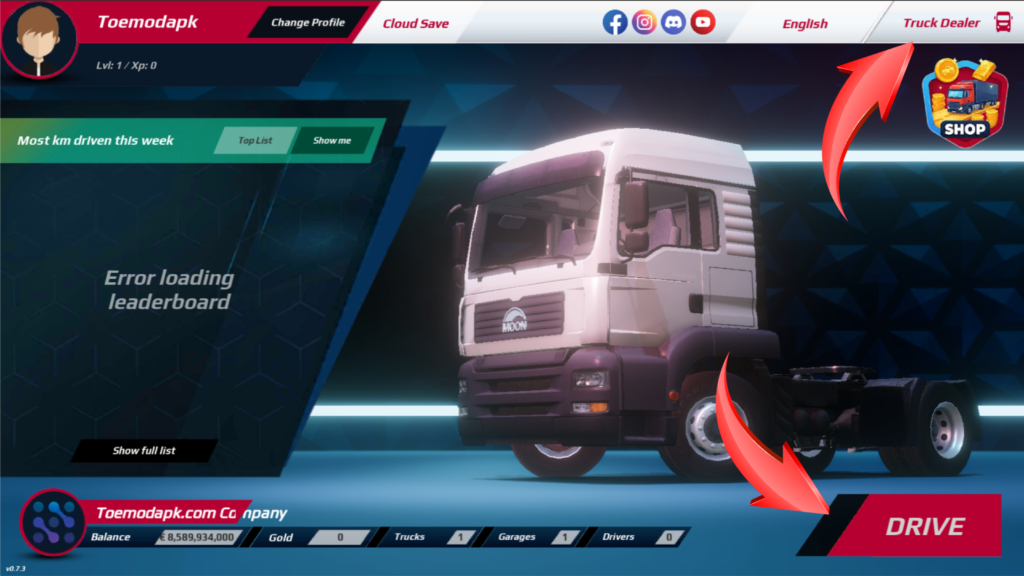
Once you’re inside the truck list, browse through the available trucks and choose the one you like. After selecting your truck:
- Press Purchase
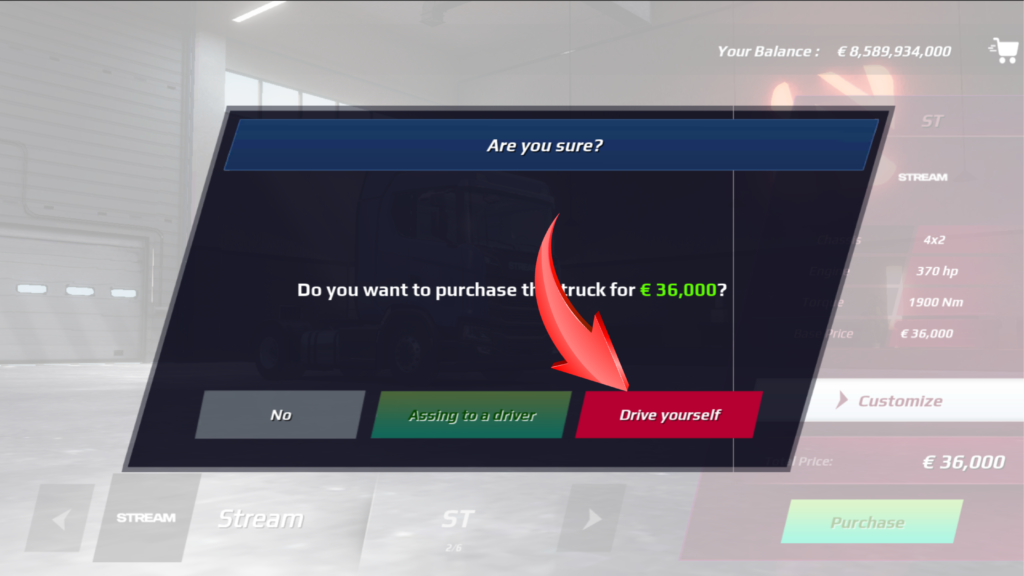
- Confirm the popup that asks, “Do you really want to buy this truck for this amount?”
- Select Drive Yourself
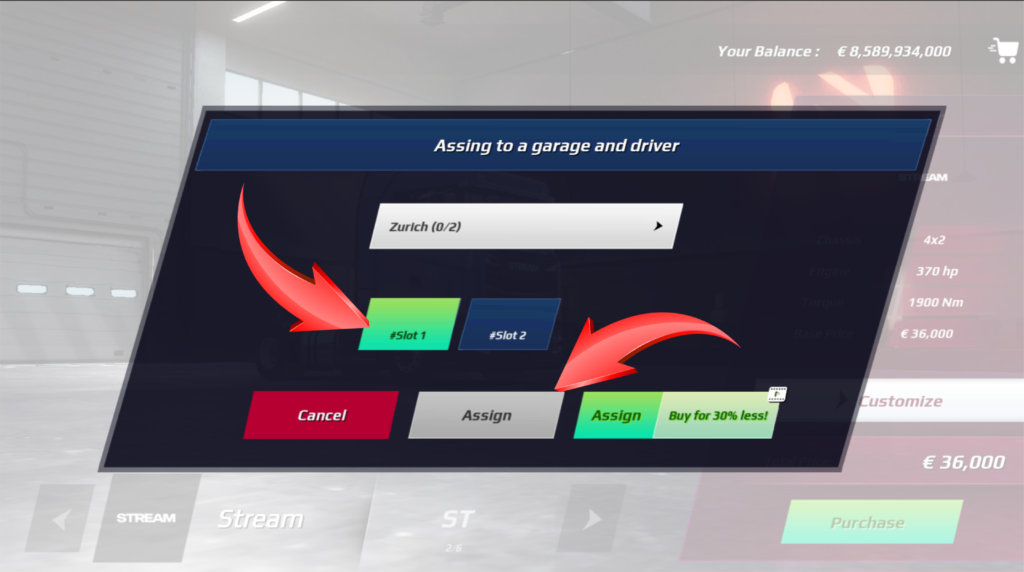
- Choose a slot and press Assign
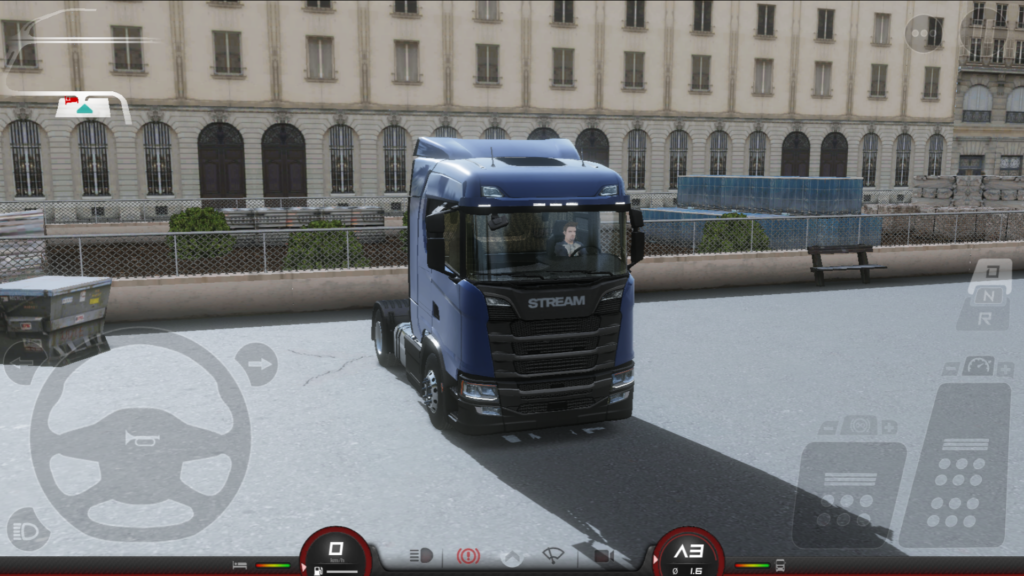
Your truck will immediately be ready to hit the road and start your journey.
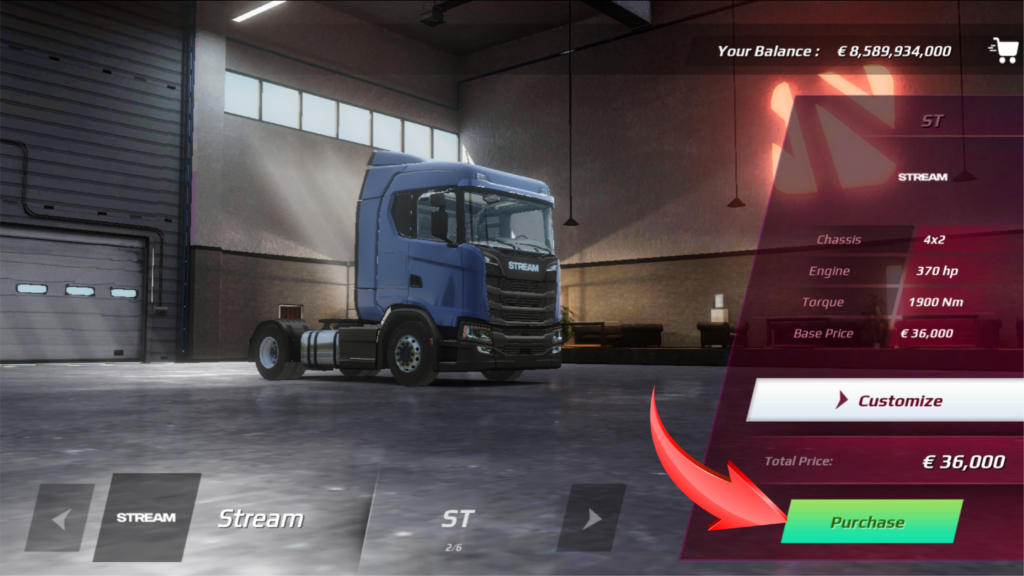
If you downloaded the game from toemodapk.com, you will also receive unlimited money, allowing you to buy any truck or upgrade any part without waiting or worrying about your balance. By default, Truckers of Europe 3 on the Play Store is tedious to play and makes earning money very slow and difficult.
Understanding basic controls in Truckers of Europe 3
The game also includes several real-life truck control features that make the experience more immersive and realistic. You can access all these controls by tapping the three dots located in the upper-right corner.
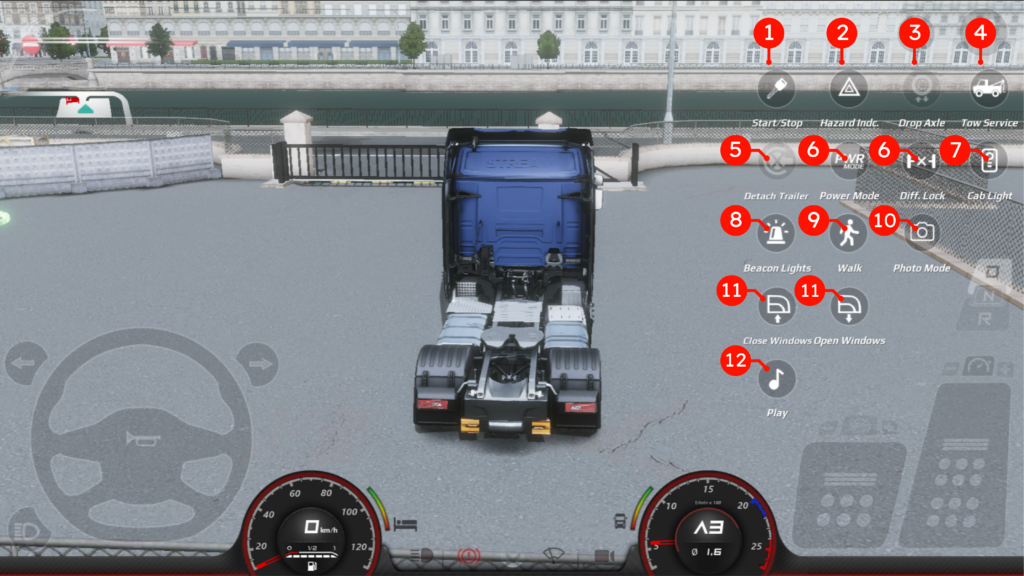
1. Engine On/Off
This button is used to start or stop your truck’s engine.
2. Hazard Indicator
This activates both signal lights together. It is used during emergencies or when the driver needs to stop on the road unexpectedly.
3. Drop Axle
If you’ve added extra axles during customization, this feature lets you lower or raise the additional tires whenever needed.
4. Tow Service
If your truck gets stuck or flips over, using Tow Service will instantly straighten your truck and get you back on track.
5. Detach Trailer
This option allows you to detach the trailer at any time and reconnect it manually whenever you need it.
6. Differential Lock (Power Mode)
This feature is useful when you are carrying heavy loads or climbing uphill. It increases the truck’s traction and power, making it easier to climb steep roads.
7. Cabin Light (Cab Light)
This button turns the interior cabin lights on or off. It is especially helpful when driving at night.
8. Beacon Lights
These are flashing lights mounted on top of the truck. They are visually appealing and highly customizable.
9. Walk Mode
This feature allows your character to step out of the truck, walk around, and enjoy the beautiful European scenery.
10. Photo Mode
This mode lets you take pictures of your truck from customizable angles, helping you capture memories of the beautiful locations and adventures you experience.
11. Window Controls
This option allows you to open and close the windows realistically, adding to the overall immersion and making the gameplay feel more lifelike and enjoyable.
12. Play
This feature lets you play music while driving your truck. It adds entertainment during long trips, making gameplay more enjoyable and helping players stay relaxed on extended routes.
Conclusion
Truckers of Europe 3 brings everything together — stunning European scenery, realistic physics, and detailed controls — to create an unforgettable, enjoyable, and truly amazing trucking experience. Every small feature, from opening windows to switching lights and using the cabin light at night, makes the game more fun and closer to real-life trucking.
If you want the latest version of the game, access to premium features, and unlimited money to speed up your progress, make sure to visit our Truckers of Europe 3 Mod APK page exclusively on toemodapk.com.
Want to skip the progression grind? Download the mod version and start with all trucks unlocked from day one.